I like that we have phones capable of doing an absurd number of things and still sometimes struggle to send one ordinary message. We can take photographs, look up almost anything, and carry around enough distractions for the rest of our lives. Then the connection disappears and telling somebody where you are becomes a whole problem. So an app that lets nearby phones send messages without the internet definately got my attention. I wanted to know why the phones couldn't just talk to each other in the first place.
It's called Bitchat, introduced by Twitter co-founder Jack Dorsey in July 2025. The part that interested me uses Bluetooth, letting nearby participating phones communicate directly and pass messages through other devices. Bluetooth! I mostly think about it when something is supposed to connect to headphones, and here it is helping make a network out of people's phones. Of course it's a little more complicated than switching it on and having the whole neighborhood start delivering messages, which is where I ended up with more questions.
I wanted to know what happens when somebody walks away, whether a message can cross a crowd, and who can read it while it's being carried. Those are very different questions from whether the first two phones can connect. Once I started following the message, the position of actual people became part of the explanation, which is an interesting thing to have happen in a story about software.
The app has developed since that first release, too. It now includes local Bluetooth messaging and optional internet-based features, so the internetless name only gets us part of the way through the current design. I'll come back to the internet route in a minute. First I want to stay with the phones talking locally, because that was the bit that made me stop and wonder how much we ask a distant server to do when the person we're trying to reach is somewhere nearby.
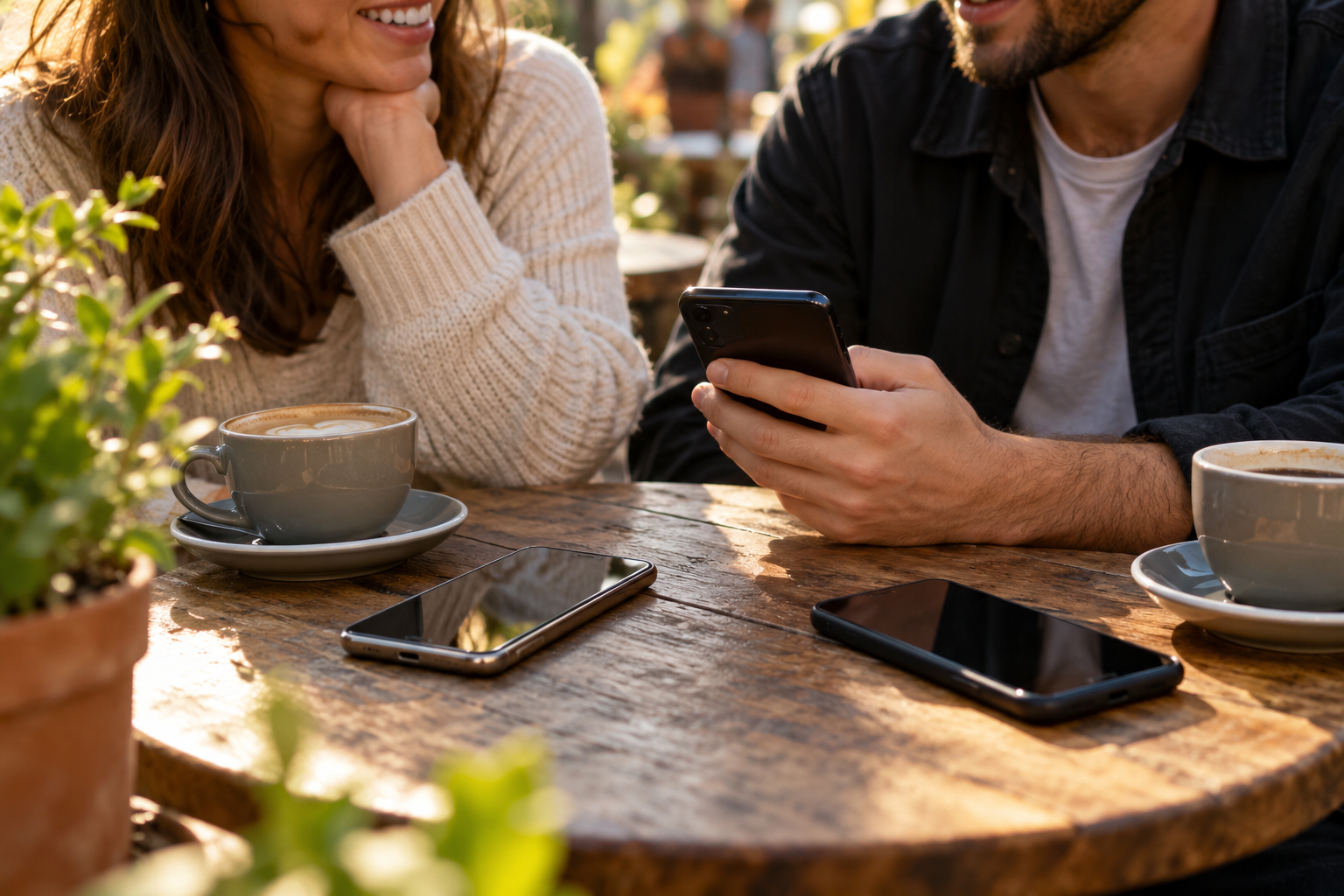
Bluetooth sends information using radio waves. A phone can use it to communicate with another nearby device without asking your home router or mobile provider to carry the message across the internet. A connection between a phone and a speaker is one familiar example, although the speaker generally has a much less demanding task than keeping a conversation moving through a group of people.
Bitchat uses Bluetooth Low Energy to discover nearby participating devices and exchange messages. You need compatible software running, Bluetooth enabled, and the permissions the app needs to operate. A pocket full of ordinary phones becomes useful to this network when those phones are actually participating, which is an important detail if you're hoping the entire population will spontaneously help deliver your lunch plans.
With two people close enough together, the idea is fairly straightforward. One phone can send information to the other over the local radio connection. The interesting part comes when a third phone is farther away, with another participating device sitting between them. That middle phone can become part of the route, extending the conversation beyond a single direct connection.
A Message Can Hop Across a Crowd
Let's say you're at an outdoor event and your friend is beyond your phone's direct Bluetooth reach. Another person using Bitchat is close enough to communicate with you and with a second participant farther along. Those devices can relay the message toward your friend, provided the connections and the app's routing rules allow it. The people in the middle can be looking at the stage or deciding what to eat while their phones handle the relay work.
That arrangement is called a mesh. Each participating device can help connect other devices, rather than everybody depending on one central access point. The project's current documentation describes multi-hop Bluetooth routing with a limit of seven hops. That limit helps keep packets from being passed around indefinitely, because even a message asking where somebody is standing shouldn't be allowed to wander through the crowd forever.
The people moving around are what I keep thinking about. Somebody walks closer and a connection becomes possible. Somebody else leaves, and part of the route can go with them. We usually think about a network as something that's just there until it stops working, while this one can change with where people are standing. A crowded place gives it more possible participants; an empty stretch gives a message fewer places to go. Suddenly the crowd is part of how the information moves.
This is also why a single range number doesn't tell the whole story. The Bluetooth Special Interest Group's explanation of range describes how hardware, radio settings, and the surrounding environment affect a connection. Walls and other obstacles can weaken signals. A clear outdoor path and a route through several buildings give a radio very different problems to deal with.
That's why I wouldn't attach one impressive distance to the whole idea. Where are the participating phones, and can they actually connect? A gap between groups, an obstacle, or a device that isn't running the app can change what happens. I love the possibility of using the phones already around us, but the connections still have to exist. The fact that the message needs somebody in a useful place is part of what makes the idea interesting to me.
There is another part of the current design that I find particularly clever. Bitchat includes ways to hold a message when the recipient is temporarily unreachable, including an outgoing queue and a courier system. A participating device can carry a sealed private-message envelope and try to hand it onward when an appropriate connection becomes available.
So somebody can walk from one group toward another carrying a sealed message on their phone, and an opportunity to pass it along might appear. I know we're talking about software and encryption, but that makes me think about somebody carrying a note across a room. The courier doesn't need to read the private conversation to help with the trip. Now I'm wondering what else a phone could be carrying while its owner is simply going somewhere, which is quite a detour from connecting a pair of headphones.
There are limits on how much can be carried and how long it can remain. The current privacy policy describes private outbox messages and courier envelopes being kept for up to twenty-four hours, with earlier removal possible under the app's storage rules. A useful route still has to appear within the available time. I like the ingenuity of giving a message another chance, especially when that chance might involve somebody walking over to the other side of an event.

The App Also Has an Internet Route Now
Bitchat's current design has two main ways to move messages: the local Bluetooth mesh and an internet-based route using Nostr relays. Nostr is a protocol that lets software exchange information through relay servers run by different operators. It gives the app a way to reach beyond nearby phones when an internet connection is available.
The distinction becomes especially useful when looking at location channels. A channel associated with a city or neighborhood uses internet relays to organize conversation around that area. Choosing a city name doesn't create a Bluetooth connection to everybody in that city. The place tells the software which conversation to join, while the internet carries the information to the relays.
The project also describes optional bridge features that can connect separate local mesh groups through an internet connection. A participating device with the relevant feature enabled can help traffic reach beyond the immediate radio network. If you're interested specifically in staying local, pay attention to the nearby-only options and which internet features you have enabled. The app now has several routes available, and the route you're using is part of understanding what it's doing.
This is the point where the word offline starts needing a little explanation. Nearby radio connections and internet relays can both be useful, but they're doing different jobs. A city channel isn't magically connecting your Bluetooth to everybody across the city. I can see why the app would offer both possibilities. I just want to know which route the message is taking before I tell somebody what worked without the internet.
Public Chat and Private Messages Are Different Things
This is the detail I'd want anybody trying the app to understand first. A public mesh message is visible to other participants in that public conversation. Private messages use end-to-end encryption, which is designed to keep their contents readable by the intended participants while intermediate devices carry encrypted data. The word Bluetooth describes how information travels; it doesn't tell you who the message is intended for.
I also keep coming back to who the message is meant for. A public local chat could be useful if you want nearby people to see something. A private conversation is another matter, and the app includes ways to check another person's cryptographic identity, including an in-person QR-code check. A familiar nickname isn't the same check. We give people a little name on a screen and then have to do more work to know who's actually on the other end.
You can use Bitchat without registering an account or supplying a phone number, which removes some of the usual setup. The app still creates cryptographic keys and identifiers on the device so it can recognize participants and protect private conversations. Some identifiers persist, and nearby radio observers can detect information about devices and activity. Account-free communication still involves identifiable pieces of technology doing the communicating.
There is local storage to think about too. Queued messages, saved preferences, group information, and media can remain on the device under the app's different retention rules. Closing the chat view doesn't clear all of those things. The triple-tap panic wipe clears app-managed local data, but a recipient may already have copied a message or taken a screenshot. The screenshot remains an extremely effective opponent of anything somebody hoped would disappear.
The developers publish both a privacy policy and a security policy, and current releases include security fixes. Those are details I'd want someone to know about if they were going to depend on the app for a conversation they cared about. I like learning how it works, especially the clever delivery parts, but the boundaries are part of the same story. A message getting across the room and a message remaining private don't become the same achievement because we're excited about both.
Why Offline Messaging Matters During an Internet Shutdown
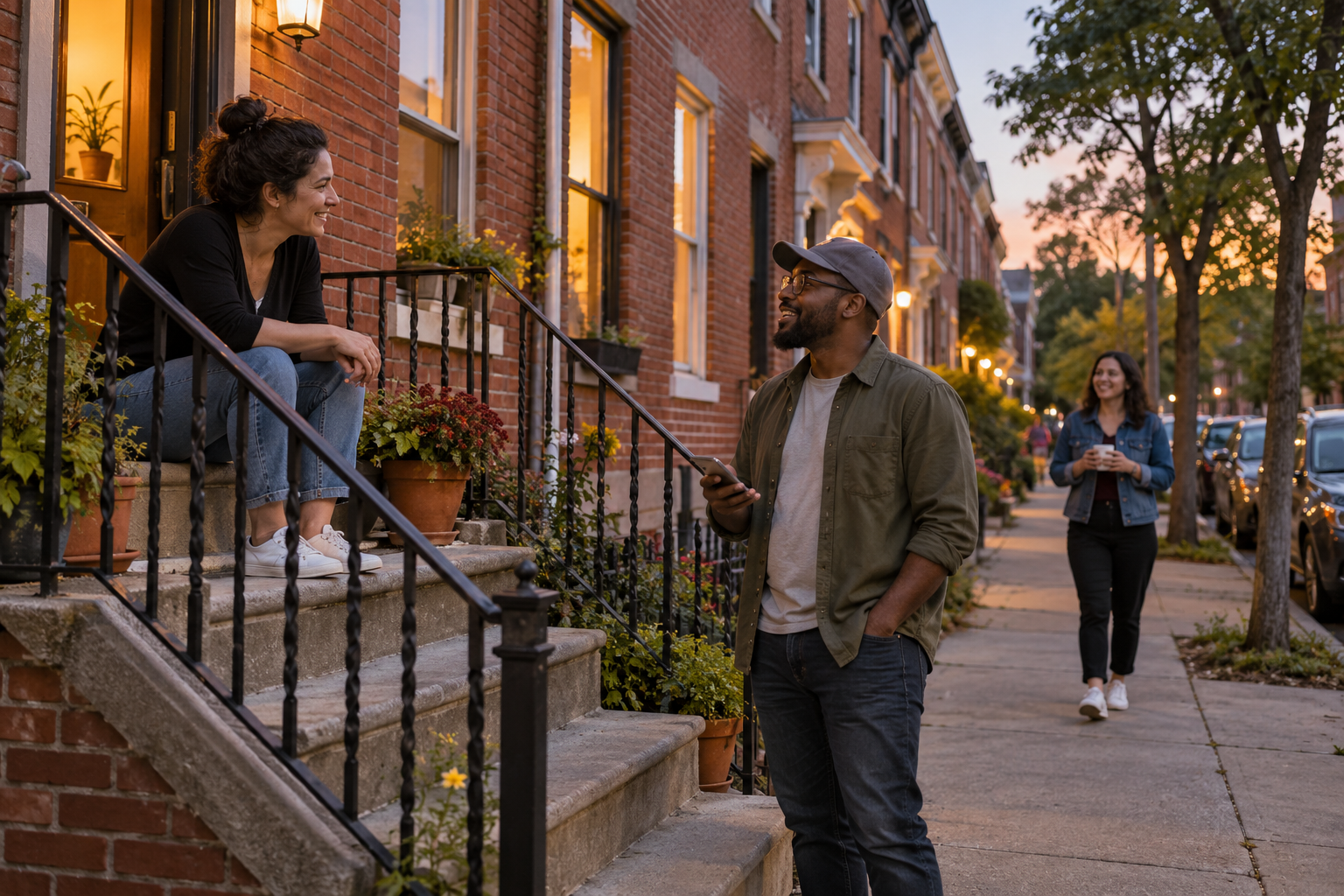
An internet shutdown changes something we normally take for granted: the ability to reach the services and people on the other side of our connection. Access Now's 2026 election shutdown monitoring documents the disruption imposed in Uganda around its January general elections. The Ugandan Communications Commission ordered restrictions two days before the January 15 vote, affecting people trying to communicate during an enormously important public event.
A local Bluetooth exchange takes a different route from a message that needs a provider's internet connection. Nearby participating phones may still communicate with one another when access to an online service has been cut. That's the reason offline messaging attracts attention in conversations about censorship and resistance: the local message can have a path that runs through the devices present instead of the blocked service.
The practical work starts before a disruption. People need the software, compatible devices, and some familiarity with how the local conversation behaves. The network they can create depends on who's nearby and what equipment remains available. A person standing alone with an app has a very different situation from a group that has already tried communicating across a neighborhood.
Distribution matters as well. The Bitchat repository itself notes that the project has received takedown demands. Even software designed to work locally has to reach somebody's device in the first place, and restrictions on stores or downloads can affect that step. That makes keeping a local conversation going one useful part of a much larger problem involving access to communications.
You don't need a dramatic situation to understand why a local message could be useful. An outdoor gathering, a busy event, or a group spending time somewhere with poor service gives the idea an ordinary job to do. Getting a short message to the people nearby can be enough, especially when the message concerns where everyone is meeting and who has wandered off again.
The simplest way to learn what the app does is to try it with somebody on an uneventful afternoon. The official project site links to its software for Apple devices and Android, and the Android implementation supports cross-platform mesh communication. Features and operating-system behavior can differ, so start with the version actually installed on each phone.
With Bluetooth enabled and the required permissions granted, try a nearby conversation with Wi-Fi and mobile data turned off. Then move a little farther apart and see what changes. If a third person joins, you can begin seeing how much the position of another participating device matters. I would find that a considerably more entertaining afternoon experiment than repeatedly refreshing a message that keeps refusing to send.
Keep a little perspective on what the experiment shows. A successful exchange between your particular phones tells you something useful about those phones in that place. A different building, a larger gap, or a device going into the background can change the result. For use during an outage, the phones still need battery power, and a local chat reaches the participants it can connect with rather than automatically reaching people outside the area.
I started reading this because I wanted to know how a message could leave without the internet, and now I'm thinking about where everyone is standing and which phone might walk into range next. That's a different way to look at a crowd. The people can be the reason you lost your friend and also the reason a message has another chance to reach them. Their phones have acquired a small job in the middle of whatever else everybody came there to do.
I'm going to keep following it because the local idea makes me reconsider what the phone already has. A radio, some software, other participating devices nearby, and suddenly there's another possible route for a conversation. The routing and encryption are complicated, but the thing somebody wants from it can still be very ordinary. Where are you, did you get there, can we meet somewhere that isn't behind seventeen people holding up their phones?
I still want to know how well it behaves when the people and phones are doing all the inconvenient things they do in real life. Walking away, going out of range, running low on battery. But I like having another way to think about getting a message across, whether the reason matters enormously or you're just trying to find somebody at an event. Apparently Bluetooth had a few more possibilities than the headphones prepared me for.
Sources
Bitchat: current project documentation and transport architecture
Bitchat protocol whitepaper: routing, identity, and message handling
Bitchat privacy policy: public content, local storage, and optional relays
Bitchat security policy: supported versions and protection boundaries
Bitchat for Android: cross-platform mesh and platform features
Bluetooth Special Interest Group: what affects Bluetooth range